Browse tutorials
Support worker tutorials
From accepting your invite to everyday work.
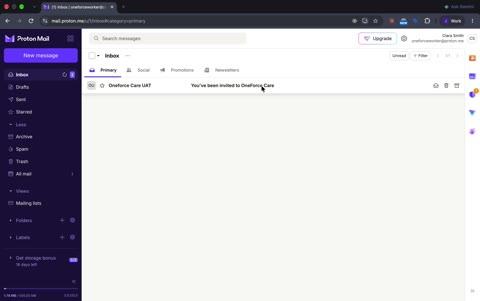 1. Accept inviteAccept your invitation and set up your worker account.1:22
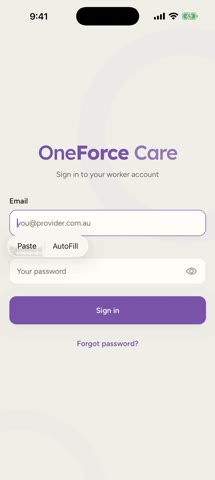 2. Sign in and permissionsSign in to the mobile app and choose your device permissions.2:23
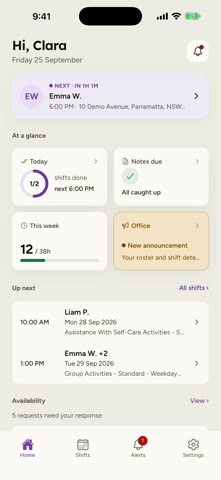 3. App tourFind your way around the mobile app and its main screens.1:19
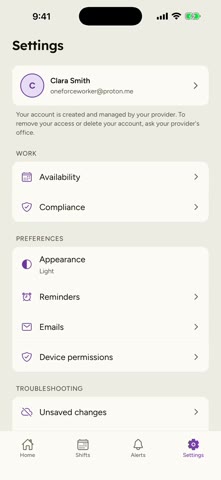 4. SettingsManage your preferences and find help in Settings.2:22
 5. AvailabilityLearn how to set and submit your availability in OneForce Care. Choose the days and times you can work, mark unavailable days, and add a note for your provider. This tutorial also explains approval notifications, changes highlighted in purple, and how to accept proposed hours or edit and resubmit your availability.2:55
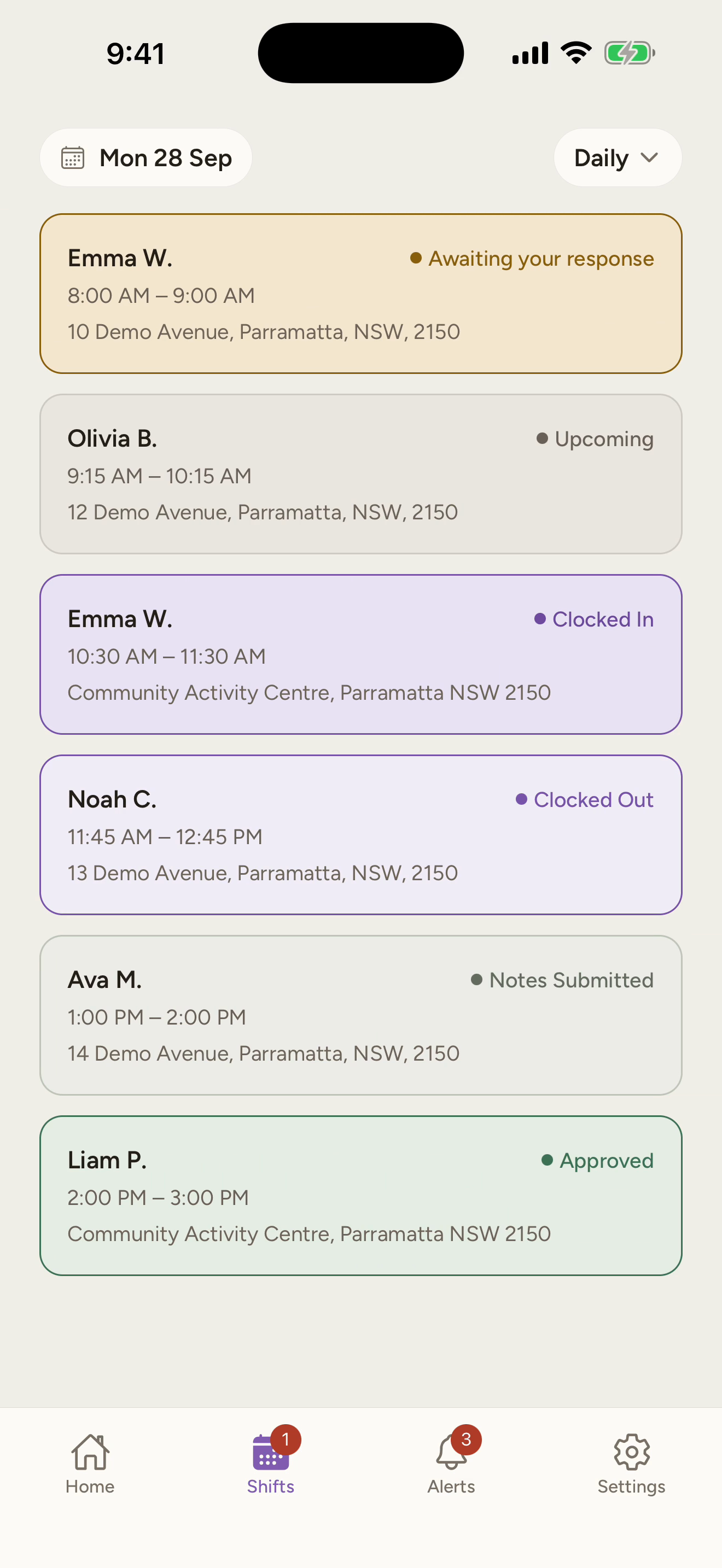 6. Shifts at a GlanceGet to know your shifts in OneForce Care, from Home reminders and notifications to Daily, Weekly and Monthly schedule views. Learn how to browse dates and understand each shift status.1:06
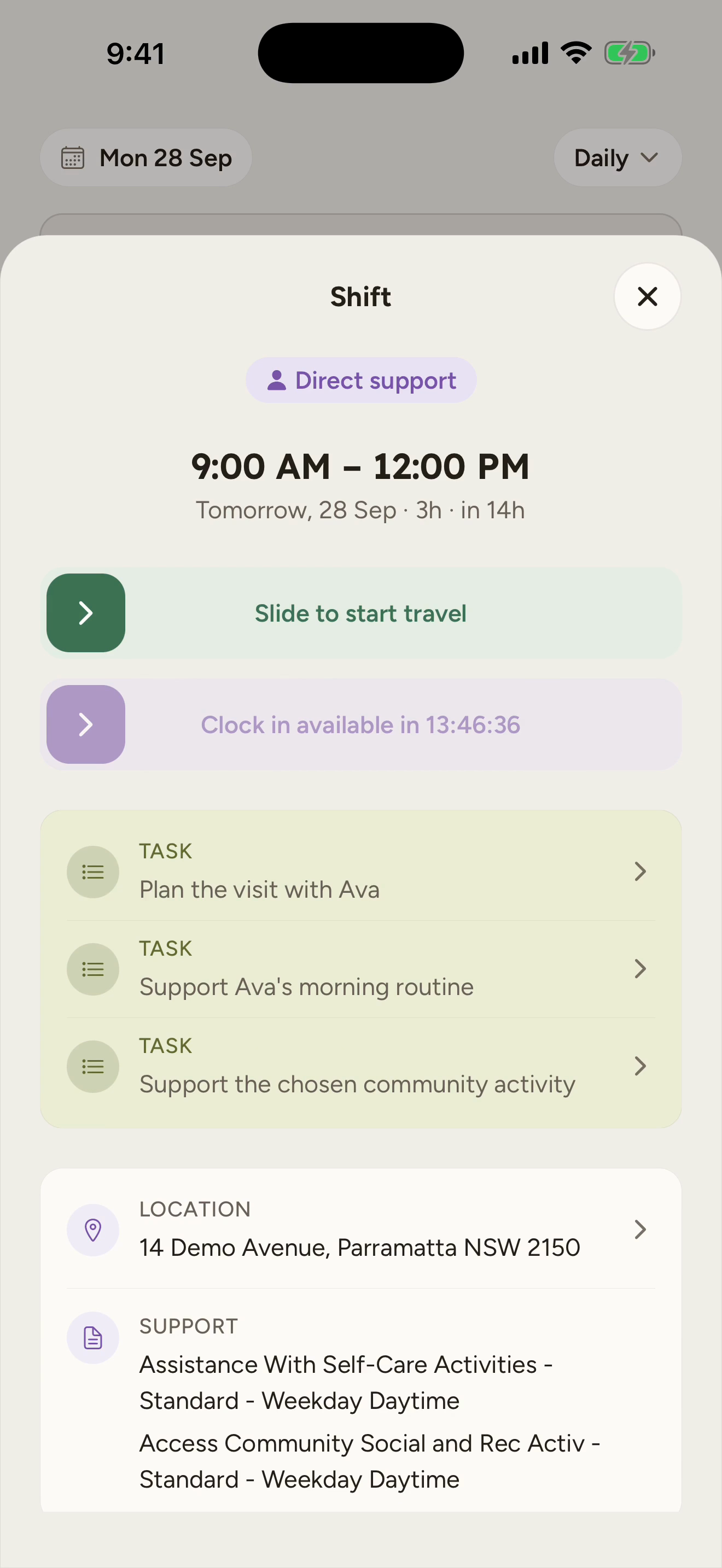 7. Shift DetailsExplore a shift’s details before you start, including tasks, shared participant information and office instructions. Learn about clock-in requirements, directions, incident reporting and travel.2:12
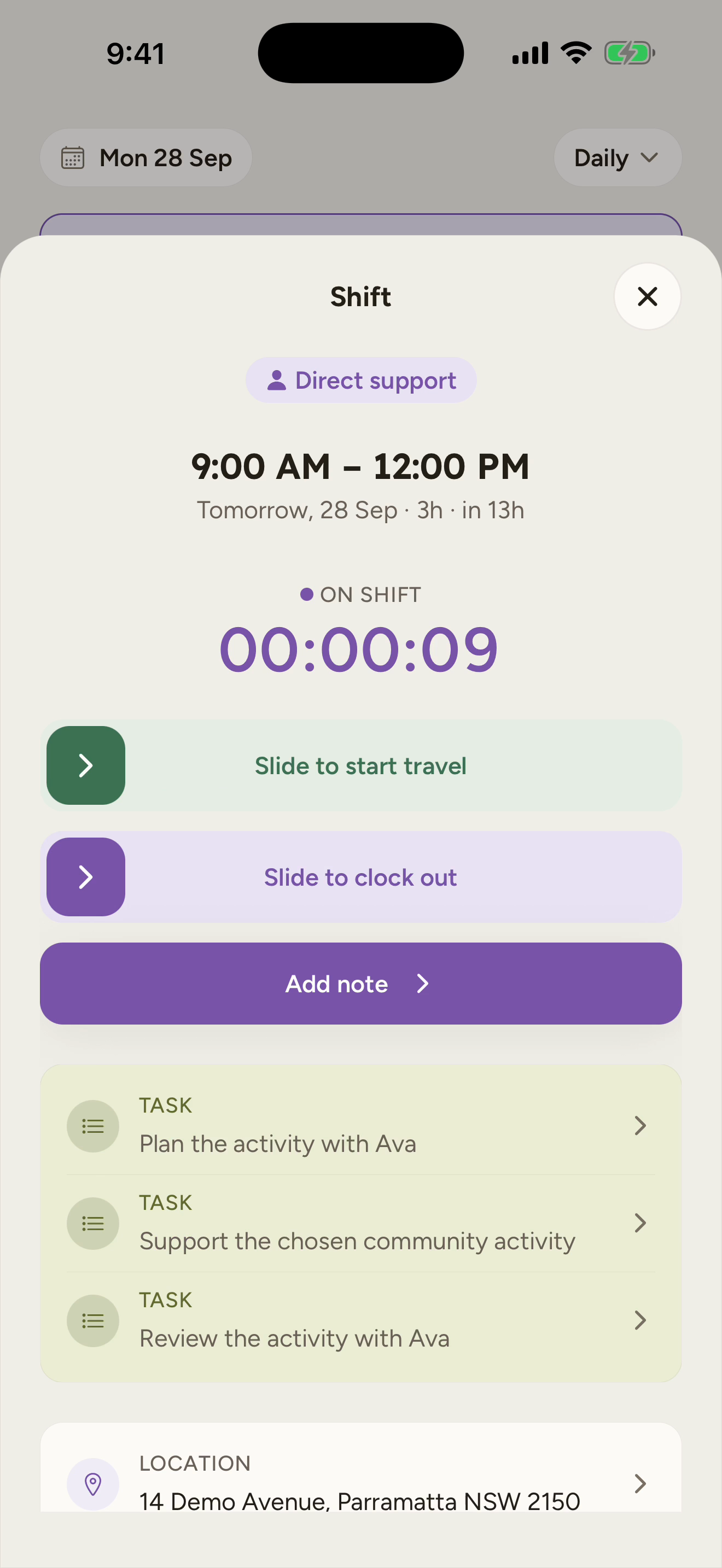 8. Direct ShiftsWork through a direct support shift, from clock-in to submitting your progress note. Learn how to record travel, complete tasks, take breaks when enabled by your provider, save notes during the shift and correct travel kilometres.2:36