Browse help topics
Reportable incidents
What makes an incident reportable, how the deadline is calculated, the Overdue badge, and the follow-up the Commission needs.
Last updated · 3 July 2026
Whether an incident is reportable to the NDIS Commission is set by the category you choose, not by how serious it is. Any category other than Not a reportable incident makes the incident reportable, and the platform then works out the deadline and reminds you on the form. The categories and windows below come from the NDIS (Incident Management and Reportable Incidents) Rules 2018.
 1
1 The categories and deadlines
Reportable within 24 hours:
- Death of a person with disability
- Serious injury of a person with disability
- Abuse or neglect of a person with disability
- Unlawful sexual or physical contact or assault
- Sexual misconduct
Reportable within 5 business days:
- Unauthorised use of a restrictive practice
Choosing Not a reportable incident marks the incident as not reportable, and it shows No in the Reportable column.
Watch out
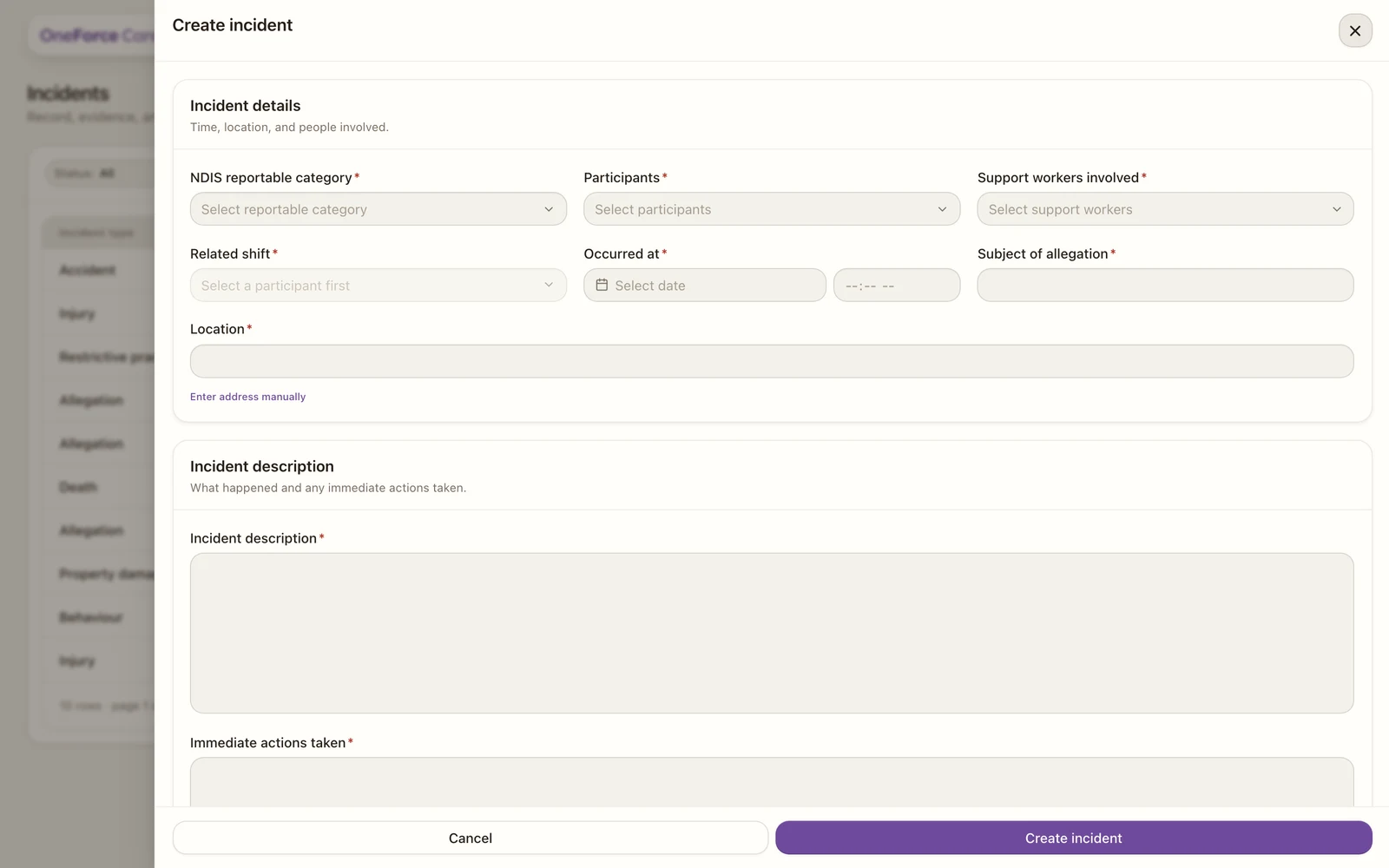
When you pick a reportable category the form shows a reminder, for example “Reportable to the NDIS Commission within 24 hours.” (or “within 5 business days.” for a restrictive practice). Once you set Occurred at, it also shows “Notify by” and the exact deadline. Treat that as your deadline.
How the deadline is calculated
You never type the deadline in. As soon as you save the incident, OneForce Care works it out from the category and Occurred at, and stores it as the incident’s NDIS deadline:
- 24-hour categories: exactly 24 hours after Occurred at.
- Restrictive practice (5 business days): 5 business days after Occurred at, counting Monday to Friday only and preserving the time of day. For example, an incident that occurs on a Thursday is due the following Thursday, because the weekend in between is not counted. Public holidays are not skipped, so the calculated deadline is always at or before your real legal deadline, never after it; treat it as a safe, conservative estimate.
Note
The live text on the form (“Notify by …”) is a preview while you are filling it in. The value saved to the incident, shown as NDIS deadline on the register and the board, is calculated the same way once you save.
Overdue and Pending
The NDIS deadline column on the register, and the matching label on a board card, reflect the deadline against the incident’s current state:
- A date and time, once the deadline has been calculated.
- Pending, if the incident is reportable but Occurred at has not been set yet (there is nothing to calculate the deadline from).
- Overdue (red), if the deadline has passed and the incident is still Open. Moving the incident to Notified or Closed clears the Overdue badge, even though the original deadline has already passed, because the badge is there to flag work still outstanding, not to keep a permanent record of lateness.
- A dash, for a non-reportable incident.
The five-business-day follow-up
When you choose a reportable category, an extra 5-business-day follow-up section appears on the form for the detail the Commission needs. These fields are optional:
- Witnesses
- Support person for the impacted participant
- Risk process being undertaken
This section does not show for a non-reportable incident.
Marking it notified
Once you have notified the Commission, move the incident to Notified. Change its status inside the incident (where the option reads Notified (Commission)), or drag its card to the Notified column on the board. See Manage and close incidents.