Browse help topics
Preferences
Free-text preferences that keep support consistent between workers.
Last updated · 3 July 2026
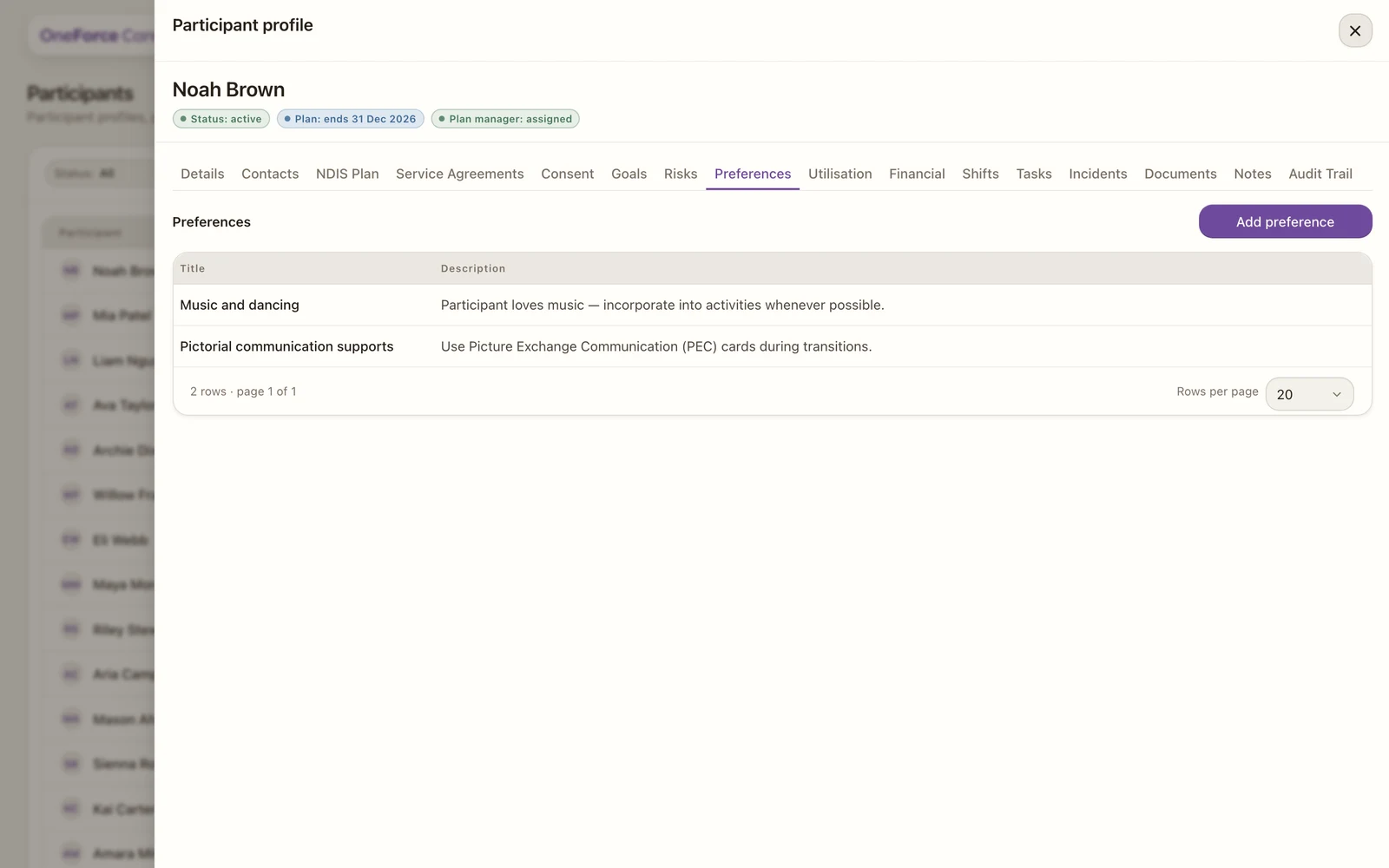
The Preferences tab captures how a participant likes to be supported, so support stays consistent when different workers attend.
Open the Preferences tab
Open the participant, then select the Preferences tab. Select Add preference at the top right. Existing preferences appear in a table.
 1
1 Fill in the preference
| Field | Required | Notes | | --- | --- | --- | | Title | Yes | A short heading such as Communication, Routine or Worker preference | | Description | No | The detail, for example “Prefers email over phone” or “Prefers a female support worker” |
Save the preference
Select Add preference to save a new one, or Save preference when editing.
There are no fixed categories, so use titles that make sense for the participant.