Browse help topics
Settings overview
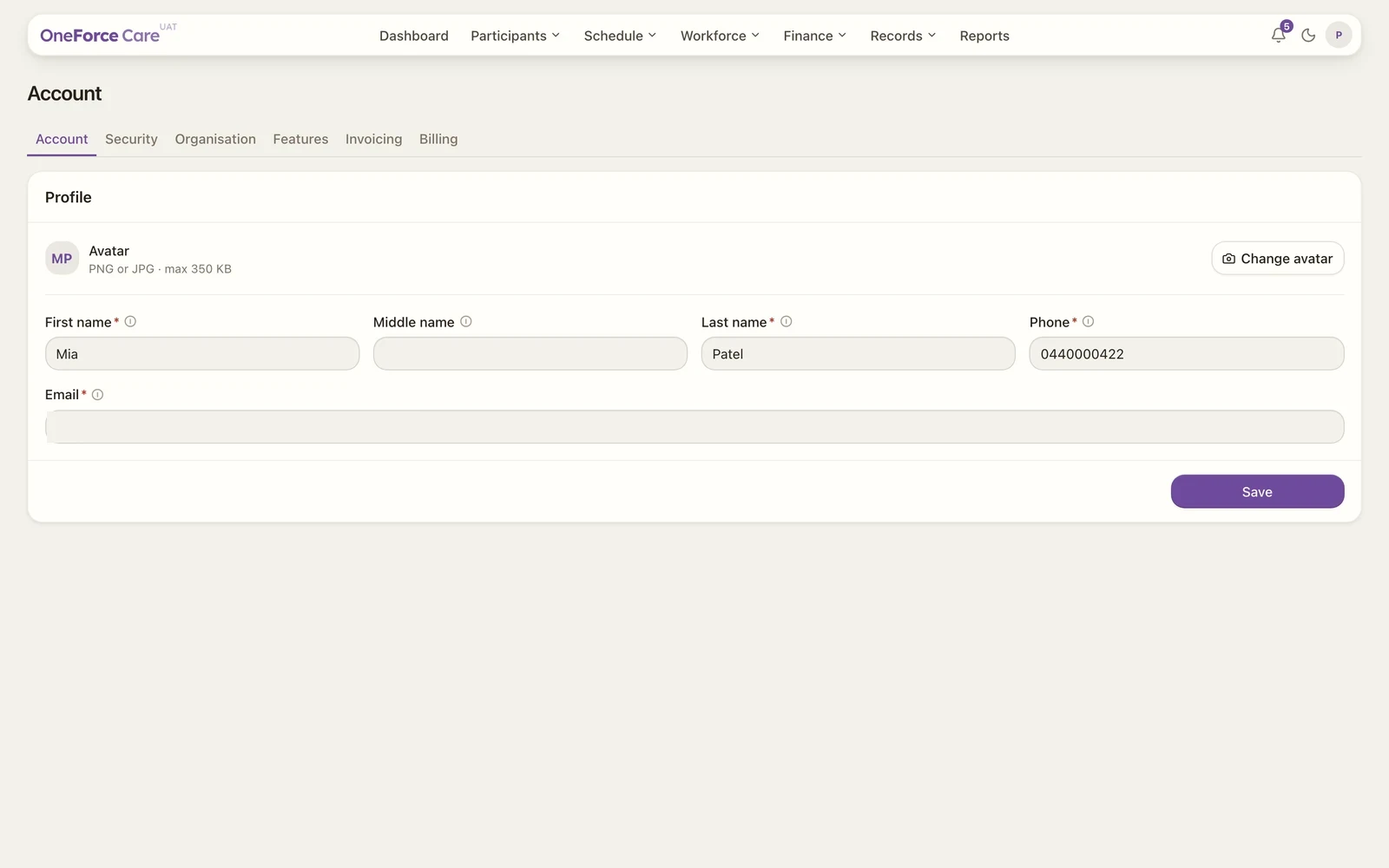
The Account area and its five tabs, and which settings are owner or admin only.
Last updated · 3 July 2026
Your account and workspace settings live under the avatar menu at the top right. Select your initials, then choose Account. The page opens with a row of tabs across the top.
 1 2
1 2 The tabs
| Tab | What it holds | Who sees it |
|---|---|---|
| Account | Your own profile (name, phone, sign-in email), your password, and your two-factor authentication. Owners also see workspace-wide 2FA enforcement here. | Everyone |
| Organisation | Owners: business details, logo, ABN and NDIS registration. Owners and admins: the Role-based access section for provider employee roles. | Owner and admin |
| Billing | Invoicing defaults used for billing, plus a Plan & subscription placeholder. | Provider owner |
| Integrations | Connect or disconnect Xero. | Provider owner |
| Features | Optional workspace capabilities you can switch on. | Provider owner |
Note
Organisation appears for the provider owner and admins, though owners and admins see different content on it (see Organisation settings). Billing, Integrations and Features appear only for the provider owner. Provider employees see only the Account tab.
To open a tab directly, add ?tab= to the address (for example /account?tab=billing). If no tab is set, or the tab named isn’t one you can see, the Account tab opens first.
Tip
Start with your own details on the Account tab, then set your password and two-factor authentication further down the same tab.