Browse help topics
Worker notes
Internal notes about a worker, kept for your team.
Last updated · 28 June 2026
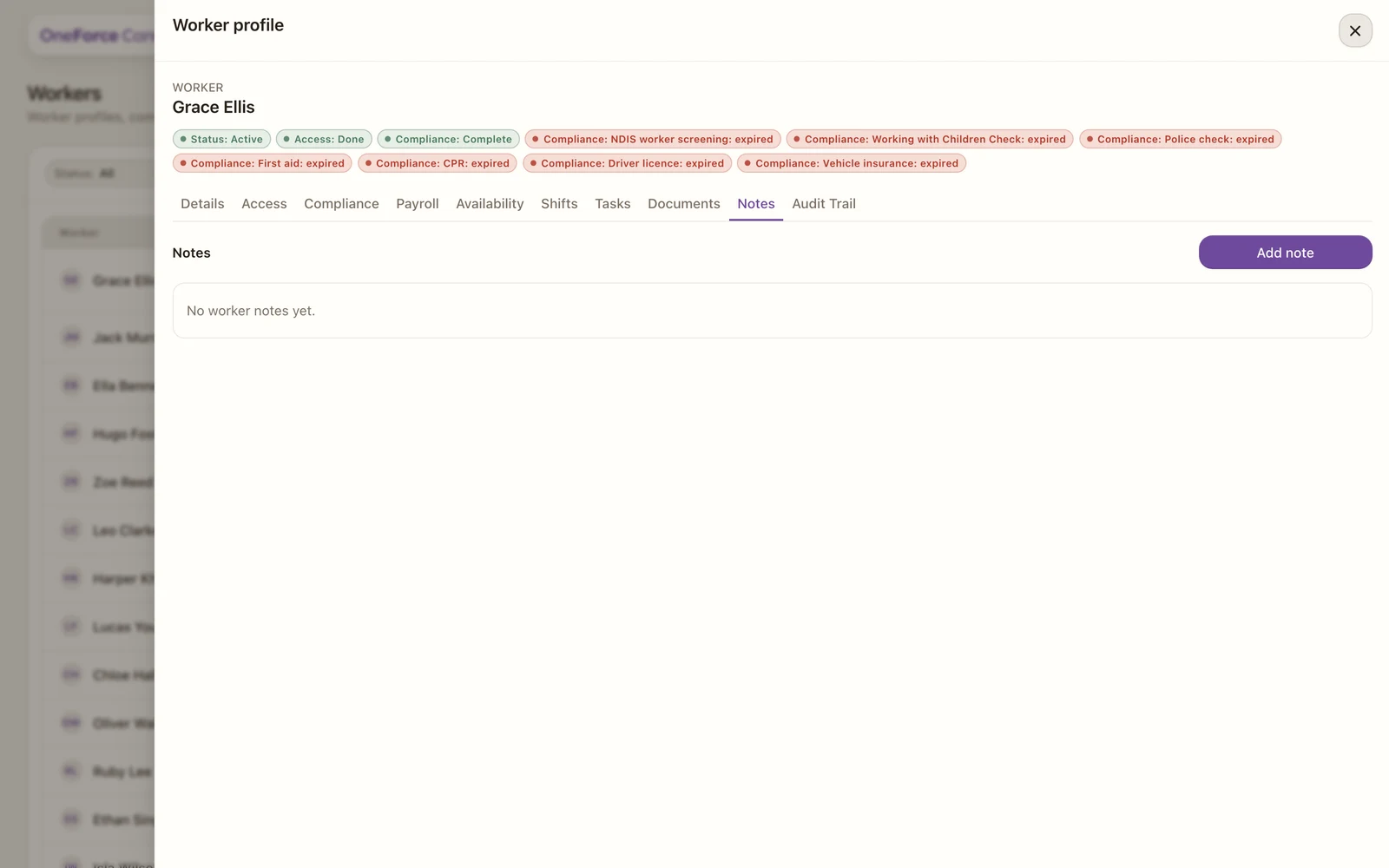
The Notes tab is for internal notes about the worker, kept for your team. It appears for support workers only.
 1
1 1 Add note opens the note drawer.
Select Add note to open the note drawer. Type the note (it is required), then select Save note. Each saved note records who wrote it and when; select a note to open it, or delete it from there.