Browse help topics
Notes
Internal notes about the participant, separate from shift progress notes.
Last updated · 3 July 2026
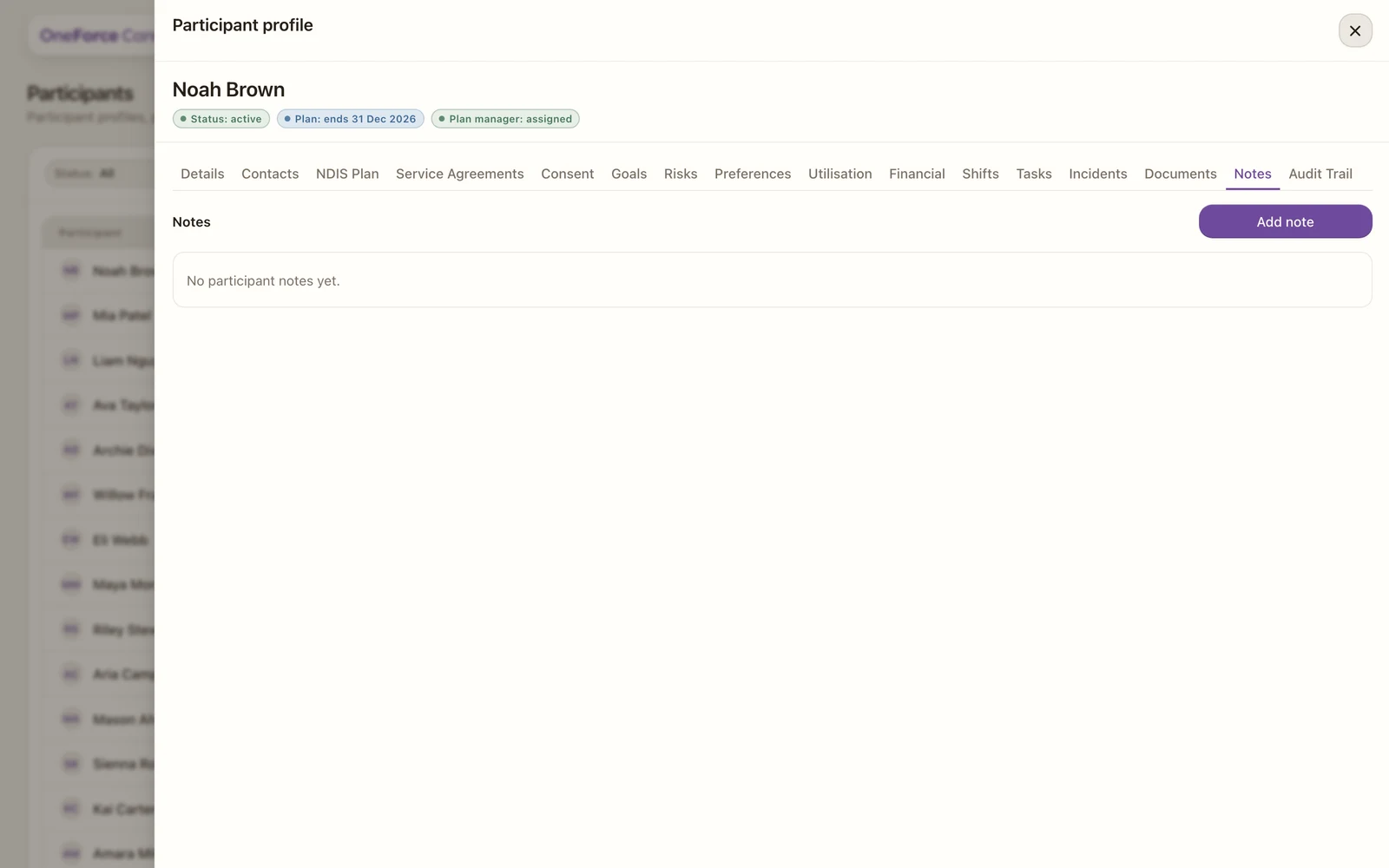
The Notes tab is for internal notes about the participant, kept for your team.
Open the Notes tab
Open the participant, then select the Notes tab. Select Add note at the top right. Existing notes appear in a table showing the note, its author and when it was created.
 1
1 Write and save the note
Type your note in the Note field (it is required), then select Save note.
Each note records who wrote it and when. Select a note in the list to open a read-only view, where you can delete it if needed.
These are internal coordination and observation notes about the participant. They are separate from the progress notes workers capture against a shift, which live on the shift itself.