Browse help topics
Workspace features
Optional capabilities you can switch on for the whole workspace: Breaks, and NDIS registration/skills gates.
Last updated · 3 July 2026
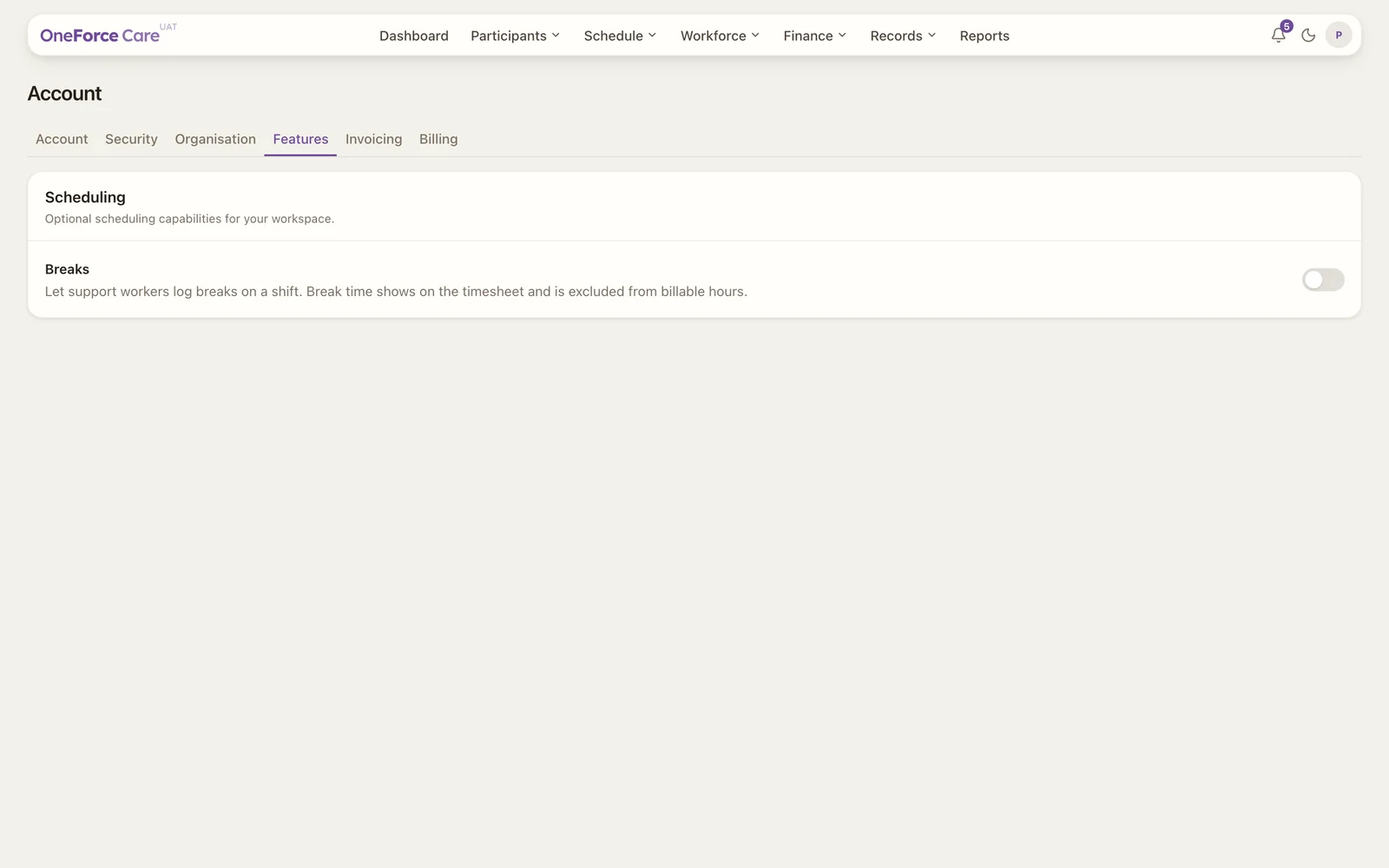
The Account ›Features tab switches optional capabilities on or off for your whole workspace. Features are grouped by area.
Note
 1
1 Scheduling
- Breaks: let support workers log breaks on a shift. Break time shows on the timesheet and is excluded from billable hours.
Compliance
NDIS registration and worker-qualification gates:
- Registered for Module 2A (Behaviour Support Plans): turn on once your organisation is registered and assessed for NDIS Practice Standards Module 2A. Off blocks claiming Intensive and Complex Behaviour Supports.
- High intensity worker-skills gate: warns when a worker without recorded High Intensity Support Skills is assigned to a high-intensity shift.
- Registered for High Intensity Daily Personal Activities (0104): turn on once your organisation is registered for NDIS registration group 0104. Off blocks claiming high-intensity supports.
Toggle a feature to switch it on or off for everyone in the workspace. There is no Save button: each change saves on its own, with a toast such as Breaks enabled., Breaks disabled., or Registered for Module 2A (Behaviour Support Plans) enabled.
Tip
Turn on a Compliance toggle only once your organisation genuinely holds that registration or skill record. Leaving it off is what keeps the app blocking claims your organisation isn’t registered for.