Browse help topics
Financial
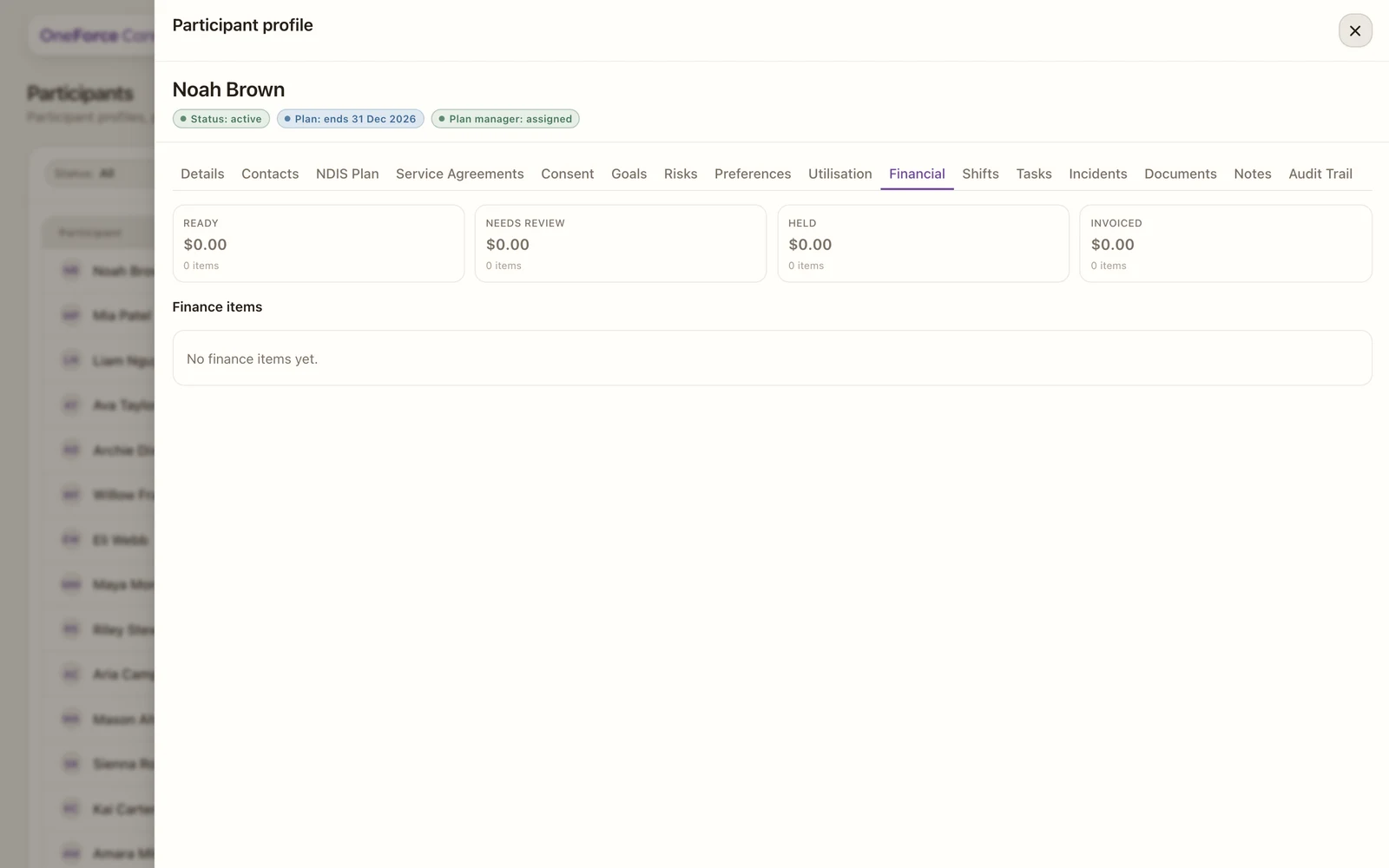
Finance items grouped by Ready, Needs review, Held and Invoiced.
Last updated · 3 July 2026
The Financial tab is a read-only view of the participant’s finance items (the charges from delivered work), grouped by where they sit on the way to a claim. Open the participant, then select the Financial tab.
 1
1 1 Summary cards: a dollar total and item count at each stage.
The summary cards show the total and item count at each stage:
- Ready: priced and ready to be batched into a claim or invoice.
- Needs review: flagged for a check first, for example a missing support code or rate.
- Held: deliberately paused.
- Invoiced: already sent on a claim or invoice.
Below the cards, the Finance items table lists each item with its shift date, support, status, amount and any checks (blockers). Items flow here automatically from delivered shifts, plus any manual charges. Use the tab to see what is ready to claim for this participant, and what is stuck and why.