Browse help topics
Intake stages
The pipeline stages in order and how to move an enquiry through them.
Last updated · 28 June 2026
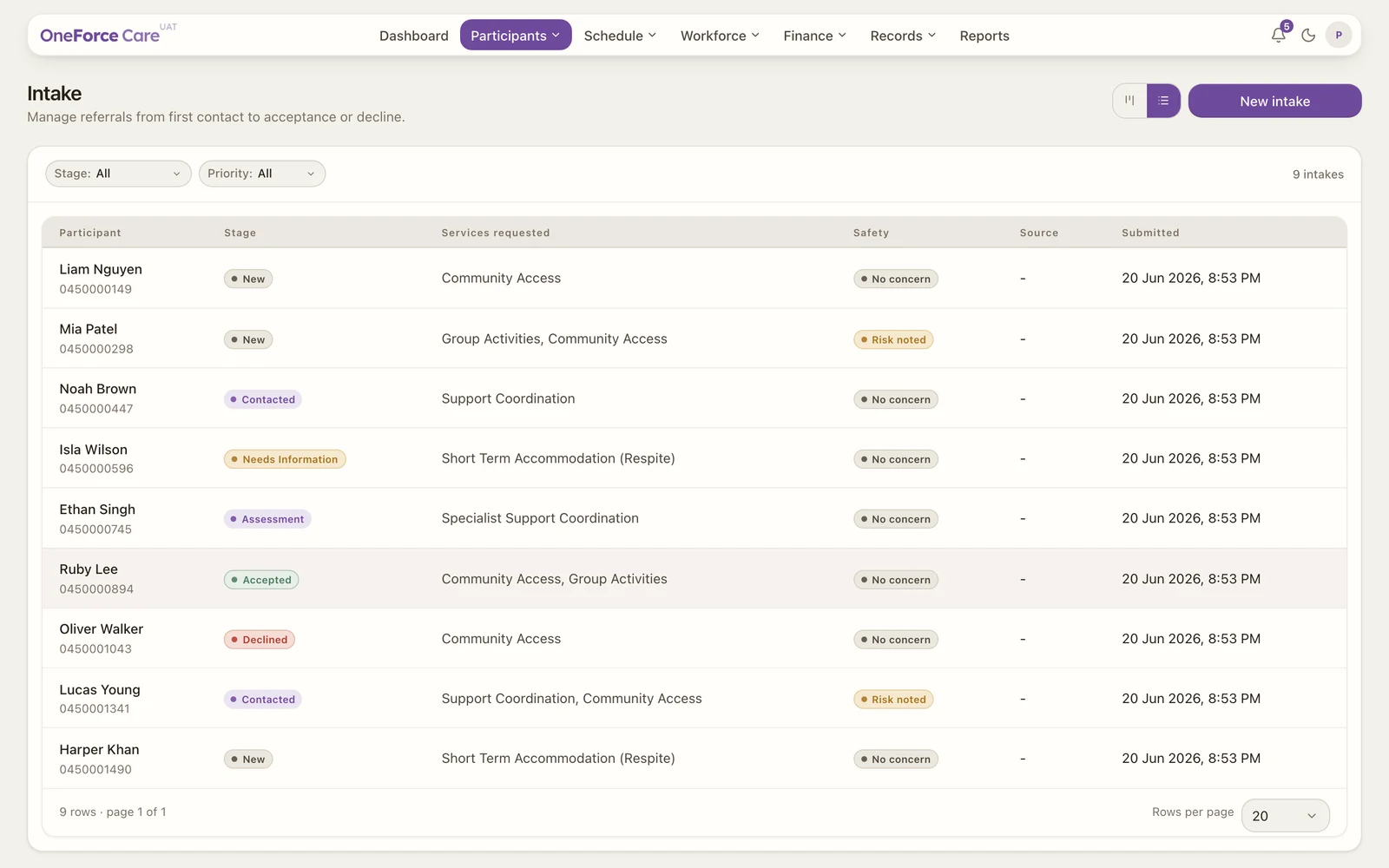
An enquiry moves through a pipeline of stages, from first contact through to acceptance or decline. You set the stage yourself. The app does not enforce a fixed order, so you can move an enquiry to any stage at any time.
 1 2
1 2 The stages
The board columns and the Stage filter run in this order:
| Stage | What it means |
|---|---|
| New | A new enquiry, with no contact made yet. |
| Contacted | You have made first contact. |
| Needs Info | You are waiting on more information before you can progress it. |
| Assessment | A formal assessment is under way. |
| Accepted | The person is accepted into your services. Converting an enquiry to a participant sets this stage for you. |
| Declined | The enquiry did not proceed. |
Note
The board column is labelled Needs Info, while the same stage shows as Needs Information on the table’s Stage pill. They are the one stage.
Moving an enquiry
There are two ways to change an enquiry’s stage:
- On the board, drag a card to another column.
- In the table, open the enquiry, set Pipeline stage in the drawer, then select Update intake.
While the drawer is open you can also set a Next contact date to keep follow-ups on track.
Tip
To accept someone into your services you usually convert their enquiry to a participant, which sets the stage to Accepted automatically. See Convert, decline or archive an intake.