Browse help topics
Travel on a shift
Where travel terms come from and how travel is captured per worker.
Last updated · 3 July 2026
Travel is tied to the participant agreement and to each worker, not drawn on the roster. There is no travel indicator on the Planner chip.
Travel terms on the shift
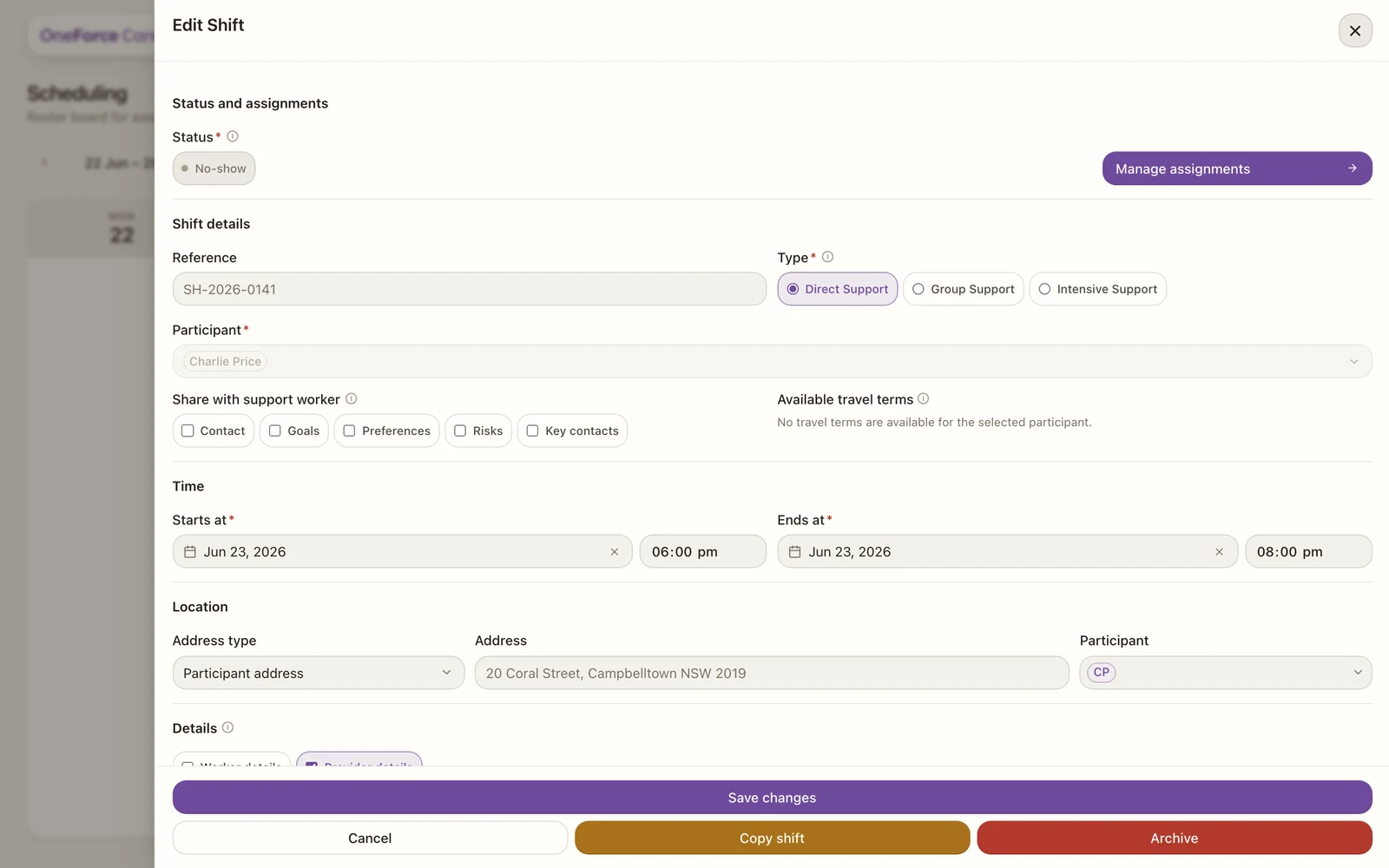
When you create or edit a shift, the Available travel terms field shows, read-only, which travel terms the selected participant’s agreement allows. If their agreement has none, it reads No travel terms are available for the selected participant. (For Group Support this becomes …participants., and a term only shows when every participant on the shift shares it.)
 1
1 Travel per worker
The actual travel for a shift is captured against each worker’s assignment, inside Manage assignments, rather than on the shift as a whole. That keeps travel attached to the worker who did it.
Note
Once provider travel for an assignment has started, the shift’s planned details lock, just as they do once a worker clocks in. You can still manage assignments and cancel.
Tip
To change which travel terms are available, update the participant’s service agreement, then reopen the shift to see the refreshed terms.