Browse help topics
Worker details
The worker's name, contact, identifiers and travel settings.
Last updated · 3 July 2026
The Details tab holds the worker’s profile: the same information captured on invite, which you can update here. The operational role is not on this tab; change it on the Access tab.
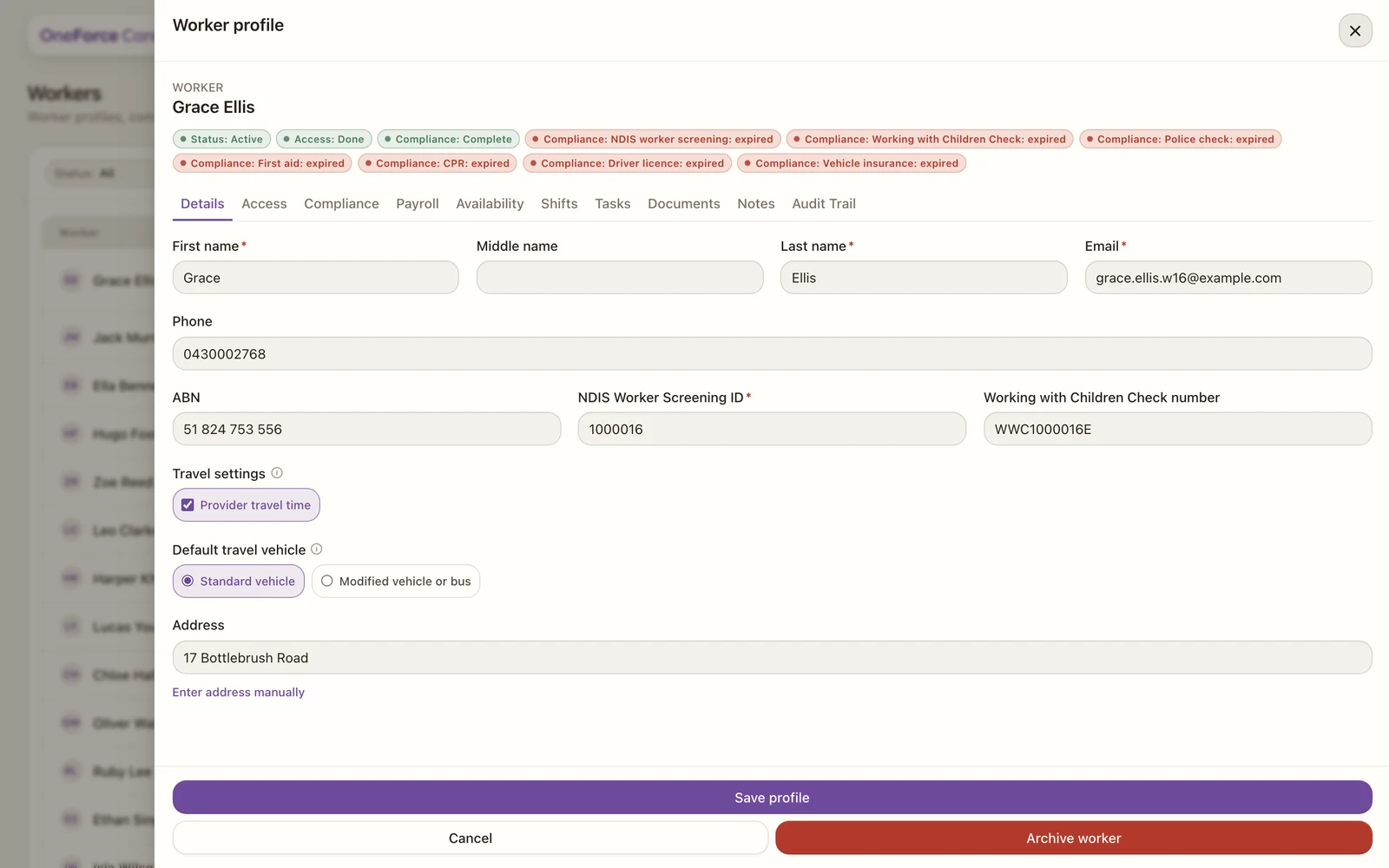 1 2 3
1 2 3 1 NDIS Worker Screening ID is required for support workers.
2 Travel: only the default vehicle is set here. Worker travel pay is set on the Payroll tab.
3 Save profile keeps your changes.
The fields
Personal information
| Field | Required | Notes |
|---|---|---|
| First name | Yes | |
| Middle name | No | |
| Last name | Yes | |
| Yes | If the worker has a login, changing it also updates their sign-in email. | |
| Phone | No |
Identifiers (support workers)
| Field | Required | Notes |
|---|---|---|
| ABN | No | |
| NDIS Worker Screening ID | Yes | 7 or more digits. |
| Working with Children Check number | No |
Travel (support workers)
- Default travel vehicle: Standard vehicle, or Modified vehicle or bus.
Whether this worker is paid for travel (Worker travel pay) is set on the Payroll tab, not here.
Address can be set here too. Search for it, or select Enter address manually.
Select Save profile to keep your changes. You can also archive the worker from this tab; see Archive a worker.
Note
If your role has read-only access you will see a banner, and the Save profile button stays disabled.