Browse help topics
Shifts
A read-only view of the participant's shifts; roster and manage them from Scheduling.
Last updated · 18 July 2026
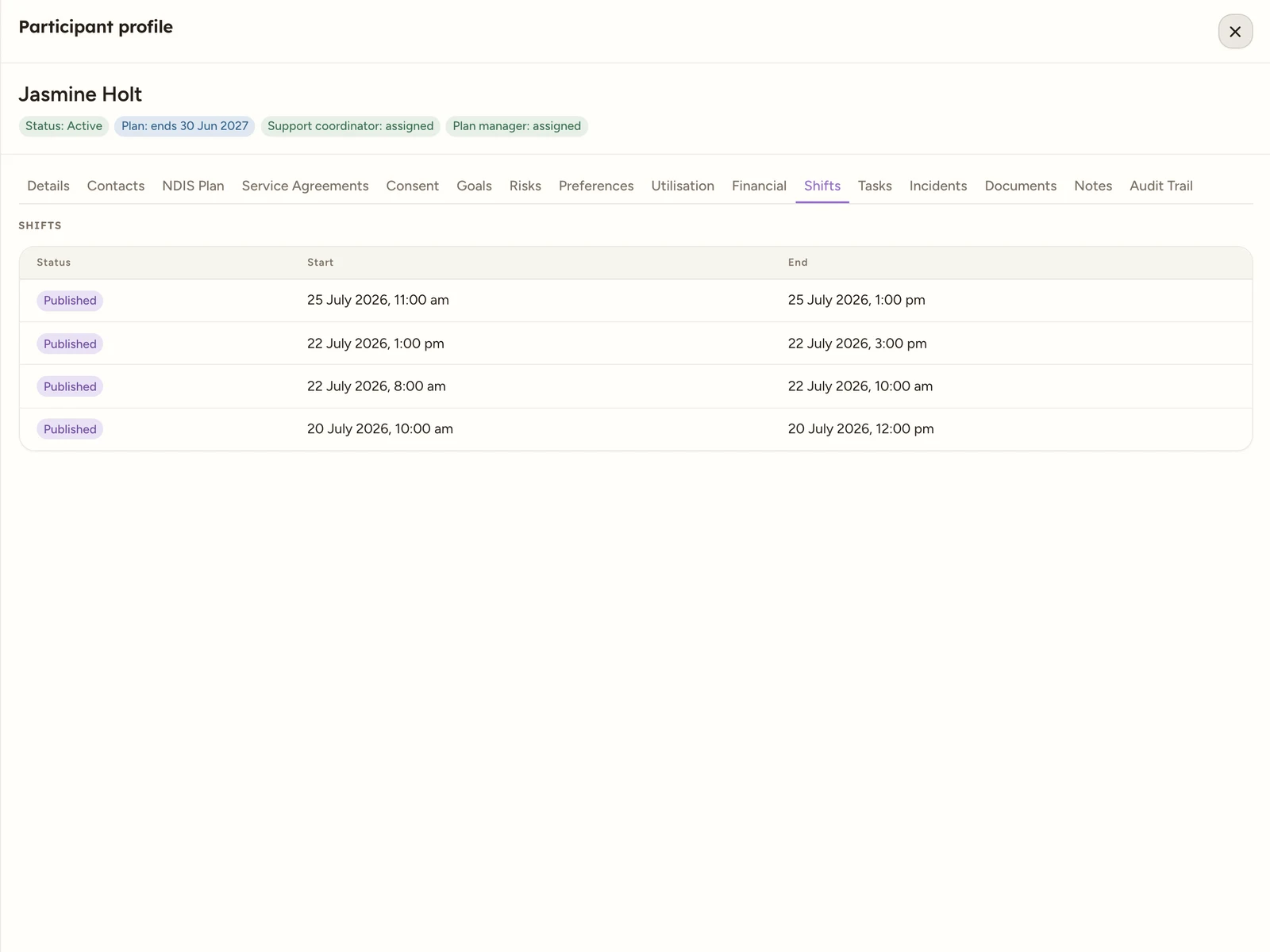
The Shifts tab is a read-only mirror of the shifts rostered for this participant, so you can see their upcoming and past support at a glance from inside their record. You create, assign and manage shifts from Scheduling, not here. Open the participant, then select the Shifts tab.
 1
1 1 A read-only list of the participant's shifts. There is nothing to add or edit here.
The table has three columns:
| Column | What it shows |
|---|---|
| Status | The shift’s current status, for example Published. |
| Start | When the shift starts. |
| End | When the shift ends. |
When the participant has no shifts, the tab reads No shifts yet.
Tip
To roster support for this participant, go to Scheduling: create a shift, then assign a worker. For what each status means, see Shift statuses.