Browse help topics
Tasks
A read-only view of tasks linked to the participant; create and manage them from Tasks.
Last updated · 18 July 2026
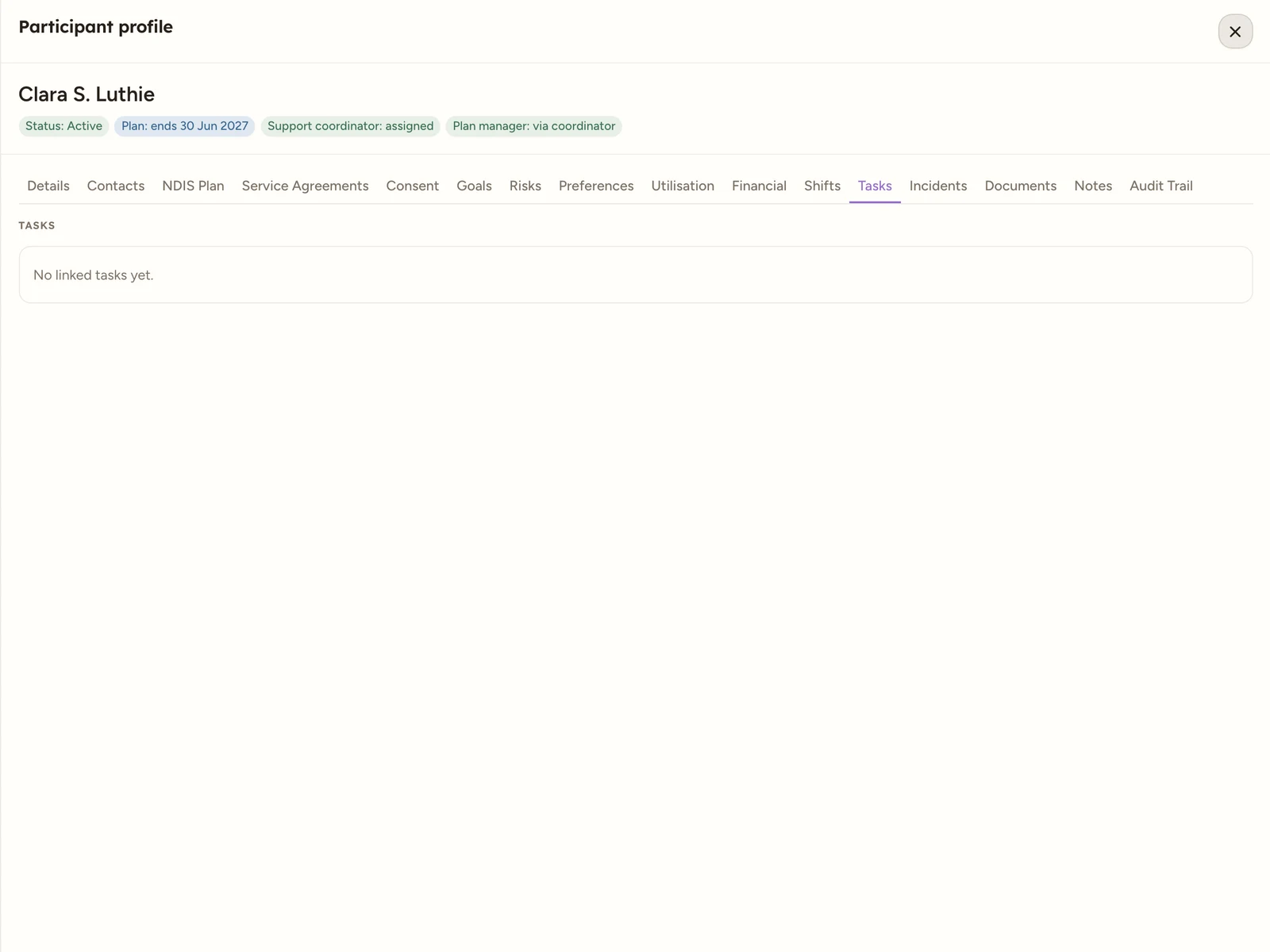
The Tasks tab is a read-only mirror of the tasks linked to this participant, so their outstanding and completed work sits in one place inside the record. You create, claim and manage tasks from Tasks, not here. Open the participant, then select the Tasks tab.
 1
1 1 A read-only list of tasks linked to the participant.
The table has four columns:
| Column | What it shows |
|---|---|
| Task | The task title. |
| Status | Where the task is up to. |
| Due | The due date, or No due date when none is set. |
| Priority | The task’s priority. |
When nothing is linked, the tab reads No linked tasks yet.
Tip
Manage tasks from the Tasks area: create a task, work through claimable tasks, or raise an establishment-fee task.