Browse help topics
Billing
Payments and claim results
Track outstanding amounts, record payments, and upload NDIS claim results.
Last updated · 25 June 2026
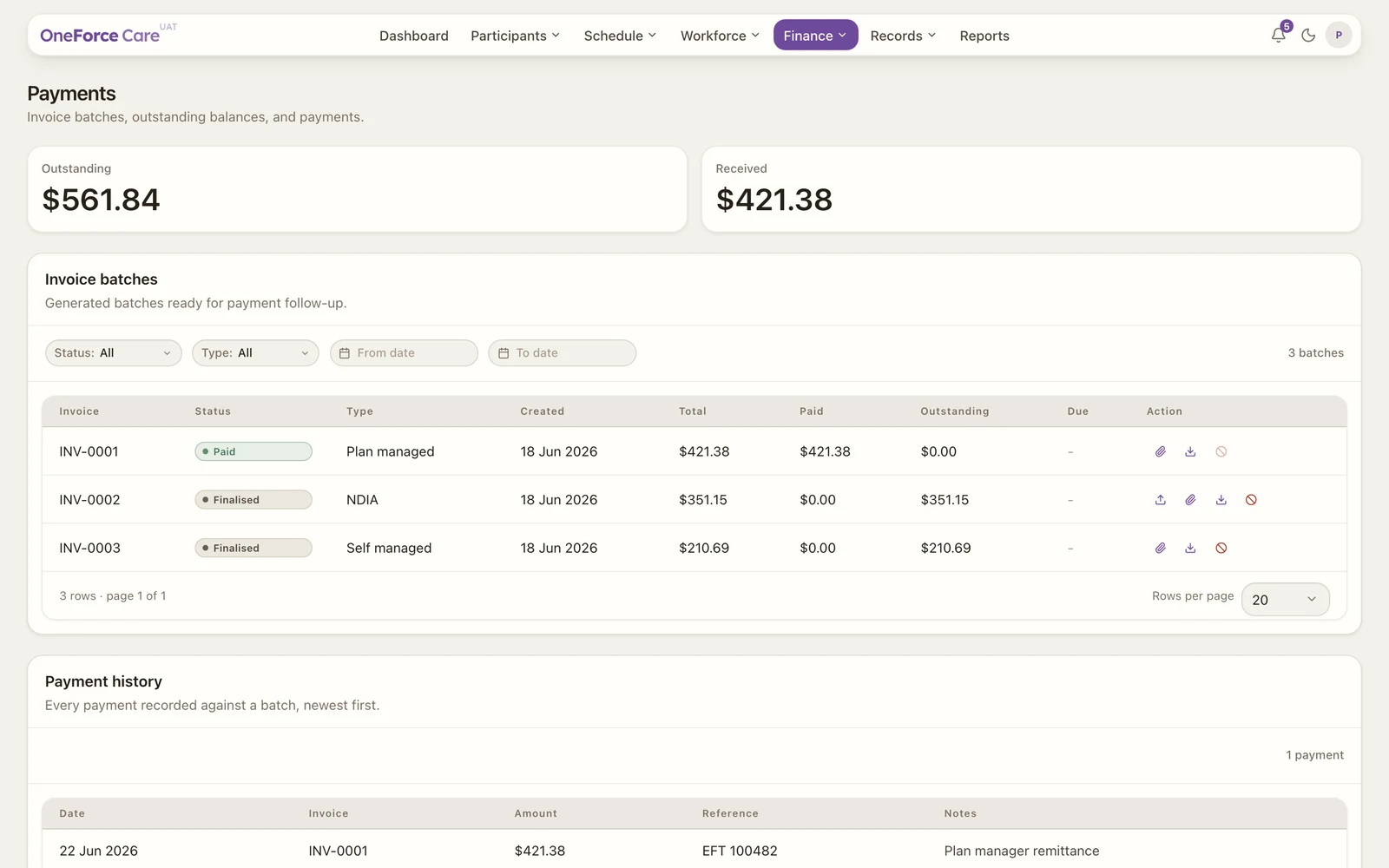
The Payments screen tracks what has been invoiced, received and is outstanding. The cards show the totals, and the table lists each invoice batch with its total, paid and outstanding amounts and due date.
Recording a payment
Open a batch’s payment evidence, enter the amount, date and a reference, and optionally attach a receipt or remittance. When a batch is fully paid, its status becomes Paid.
NDIS claim results
For an NDIA batch, upload the claim results file from the NDIS portal. The platform matches each line and marks it accepted or rejected, and rejected lines can be corrected from Invoices.
Voiding
You can void a batch that was issued in error. Its rows return to the Billing register to be billed again.