Browse help topics
Financial
Finance items grouped by Ready, Needs review, Held and Invoiced.
Last updated · 2 August 2026
The Financial tab is a read-only view of the participant’s finance items (the charges from delivered work), grouped by where they sit on the way to a claim. Open the participant, then select the Financial tab.
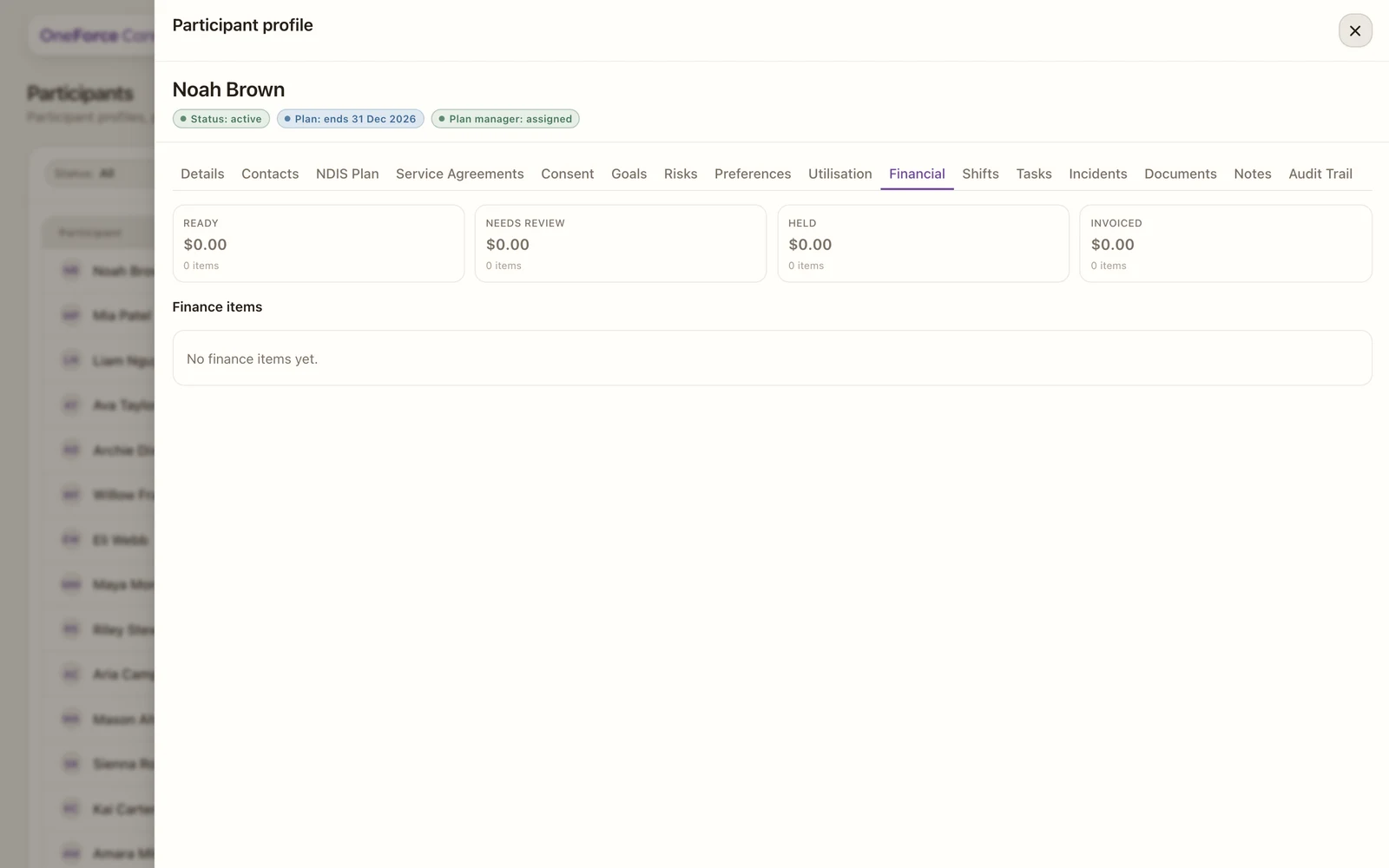
1Summary cards: a dollar total and item count at each stage.
The summary cards show the total and item count at each stage:
- Ready: priced and ready to be batched into a claim or invoice.
- Needs review: flagged for a check first, for example a missing support code or rate.
- Held: deliberately paused.
- Invoiced: already sent on a claim or invoice.
Below the cards, the Finance items table lists every item on the record:
| Column | What it shows |
|---|---|
| Shift date | The date of the shift the charge came from. |
| Support | The agreed support item it was billed against, or a dash when none is linked. |
| Status | Ready, Needs review, Held or Invoiced, matching the cards above. |
| Amount | The dollar value of that item. |
| Checks | Anything blocking the item, or No blockers when it is clear. |
Items flow here automatically from delivered shifts, plus any manual charges. Until anything has been delivered, the table reads No finance items yet. Use the tab to see what is ready to claim for this participant, and what is stuck and why.