Browse help topics
Worker documents
Upload and manage files on the worker record.
Last updated · 2 August 2026
The Documents tab holds files attached to the worker, separate from the compliance evidence on the Compliance tab. It is available for every worker.
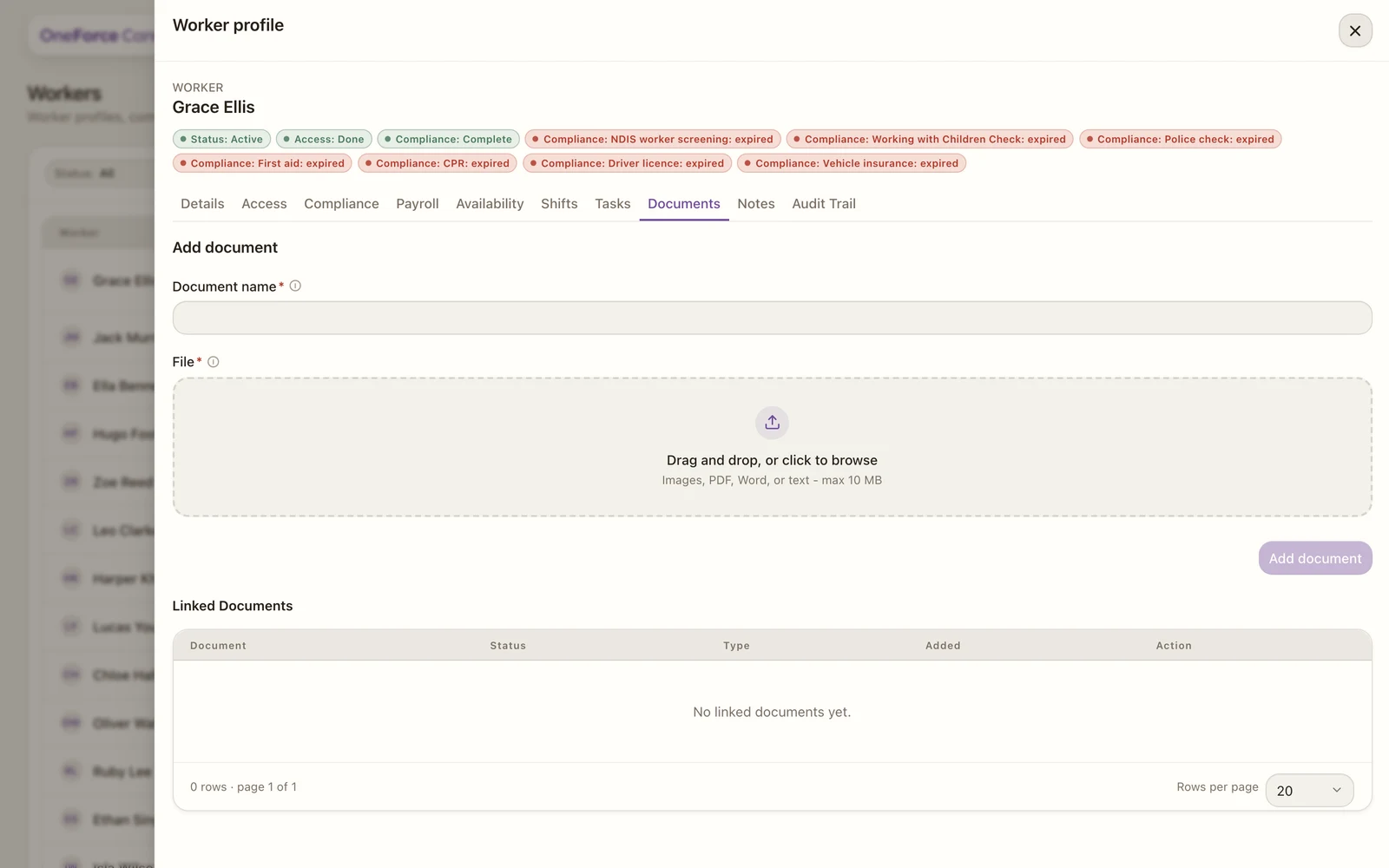
1Document name is required. The File dropzone underneath takes images, PDF, Word or text, up to 10 MB.
2Add document. It enables once a name and a file are set.
To add a document, give it a Document name, choose a File (images, PDF, Word or text, up to 10 MB), then select Add document. There is no category to pick; worker documents are filed together. Uploaded files appear in Linked Documents with their status, type and date, where you can download or delete each one.