Browse help topics
Invoicing settings
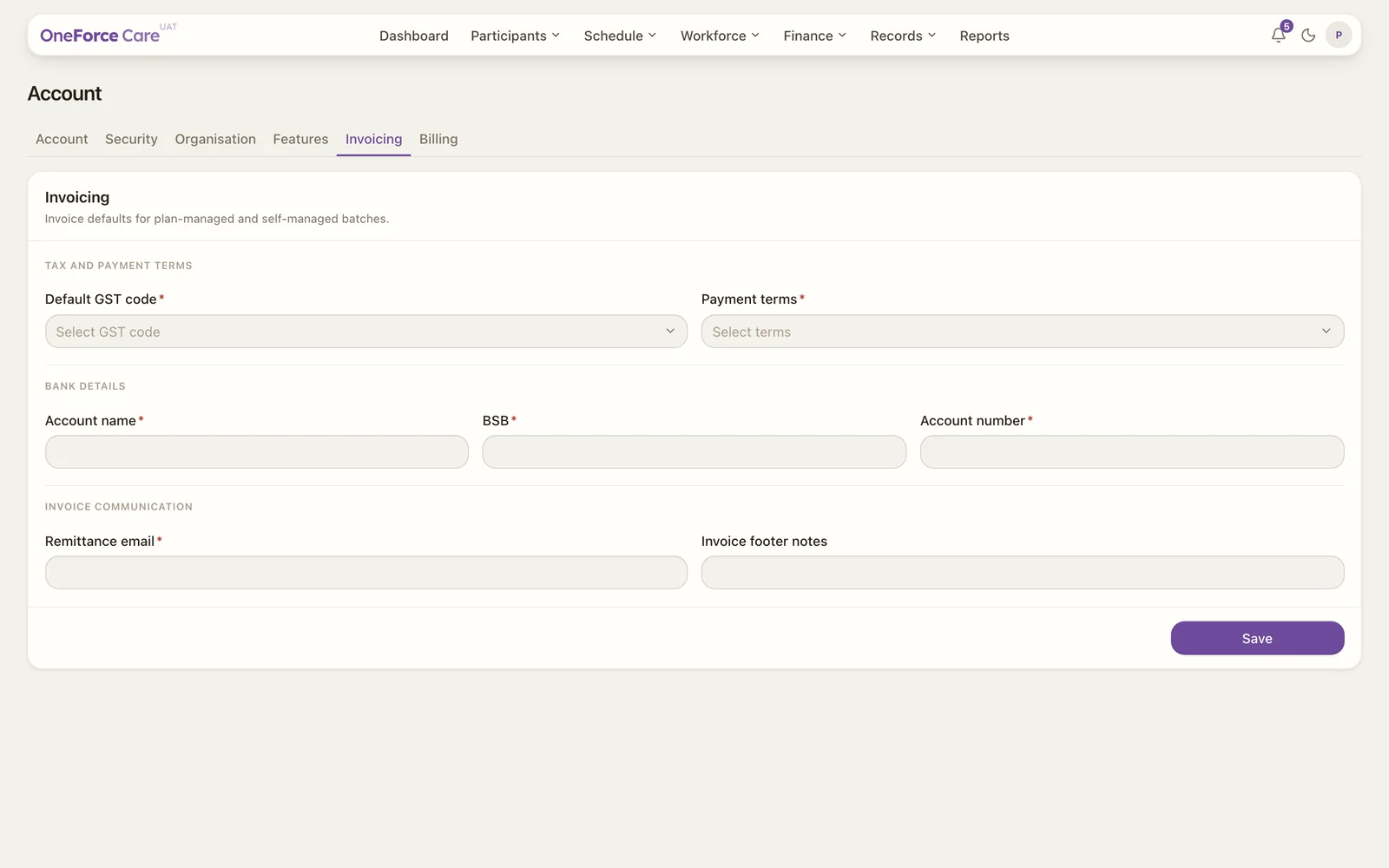
GST code, GST registration, payment terms, bank details and remittance email used for invoicing.
Last updated · 2 August 2026
The Account›Invoicing tab sets the invoicing defaults used when you generate invoices for plan-managed and self-managed batches. Set them before your first invoice batch.
Note
The Invoicing tab is shown to the provider owner. It used to be part of a single Billing tab; that tab has been split, and the plan card now lives on Subscription next to it.
Invoicing defaults
“GST treatment and payment terms applied to new invoice batches.”
| Field | Required | Options |
|---|---|---|
| Default GST code | Yes | P2 - GST Free, P1 - 10% GST, P5 - GST out of scope |
| Registered for GST | Yes | Registered for GST, Not registered for GST |
| Payment terms | Yes | Due on receipt, 7 days, 14 days, 30 days, Custom |
| Due days | Only when terms is Custom | A number, zero or greater. The fixed terms fill this in for you. |
Registered for GST is a separate fact from the GST code, and it controls whether your PDF invoices are headed TAX INVOICE or INVOICE: a GST-registered provider whose NDIS supports are GST-free (P2) still gets a Tax Invoice, while an unregistered provider gets an Invoice with a “Not registered for GST” line added underneath the heading. It changes only that title and line, never any amount. It’s defaulted from your GST code (P1 means registered, otherwise not), so update it yourself if you’re registered for GST but bill GST-free supports. The info icon beside the label says the same thing in the app.
Bank details
“The remittance account printed on your invoices.”
| Field | Required | Notes |
|---|---|---|
| Account name | Yes | |
| BSB | Yes | Exactly 6 digits. |
| Account number | Yes | 4 to 12 digits. |
Invoice communication
“Where remittances go and the note shown on each invoice.”
| Field | Required | Notes |
|---|---|---|
| Remittance email | Yes | A valid email; where payment advice is sent. |
| Invoice footer notes | No | Free text printed at the foot of the invoice. |
Select Save on the card you changed. Each card confirms itself: Invoicing defaults saved., Bank details saved. or Invoice communication saved. If something’s missing or invalid, you see the first problem as a message, in field order, for example BSB must contain exactly 6 digits. Until these are complete, generating a batch tells you what is still missing.
Subscription
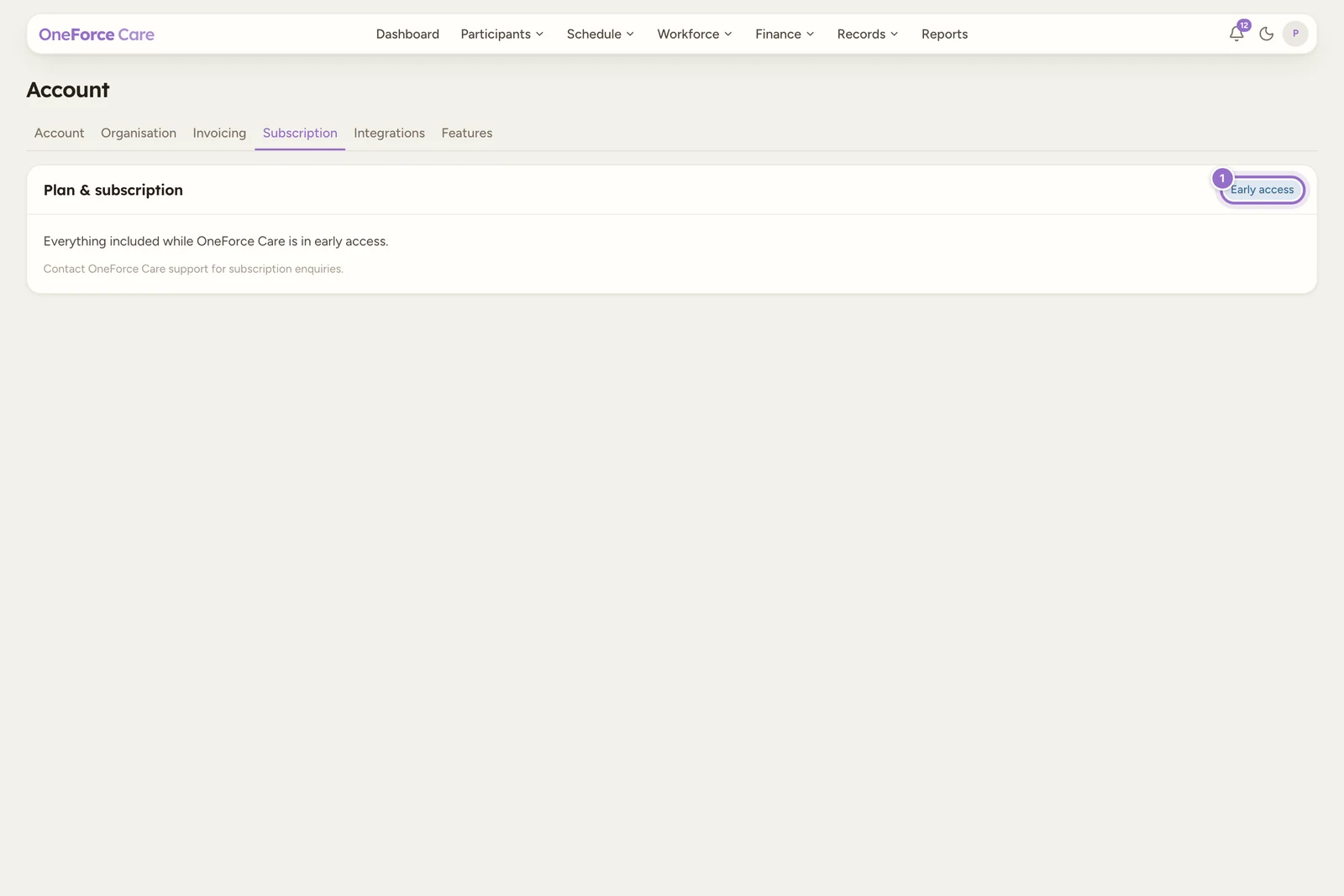
The Subscription tab beside Invoicing holds a single Plan & subscription card, badged Early access. It reads “Everything included while OneForce Care is in early access.” and “Contact OneForce Care support for subscription enquiries.” There is nothing to set there yet.