Browse help topics
Audit trail
A read-only history of what changed, when and by whom.
Last updated · 18 July 2026
The Audit Trail tab is a read-only history of changes to the participant record: what changed, when, and by whom. Open the participant, then select the Audit Trail tab.
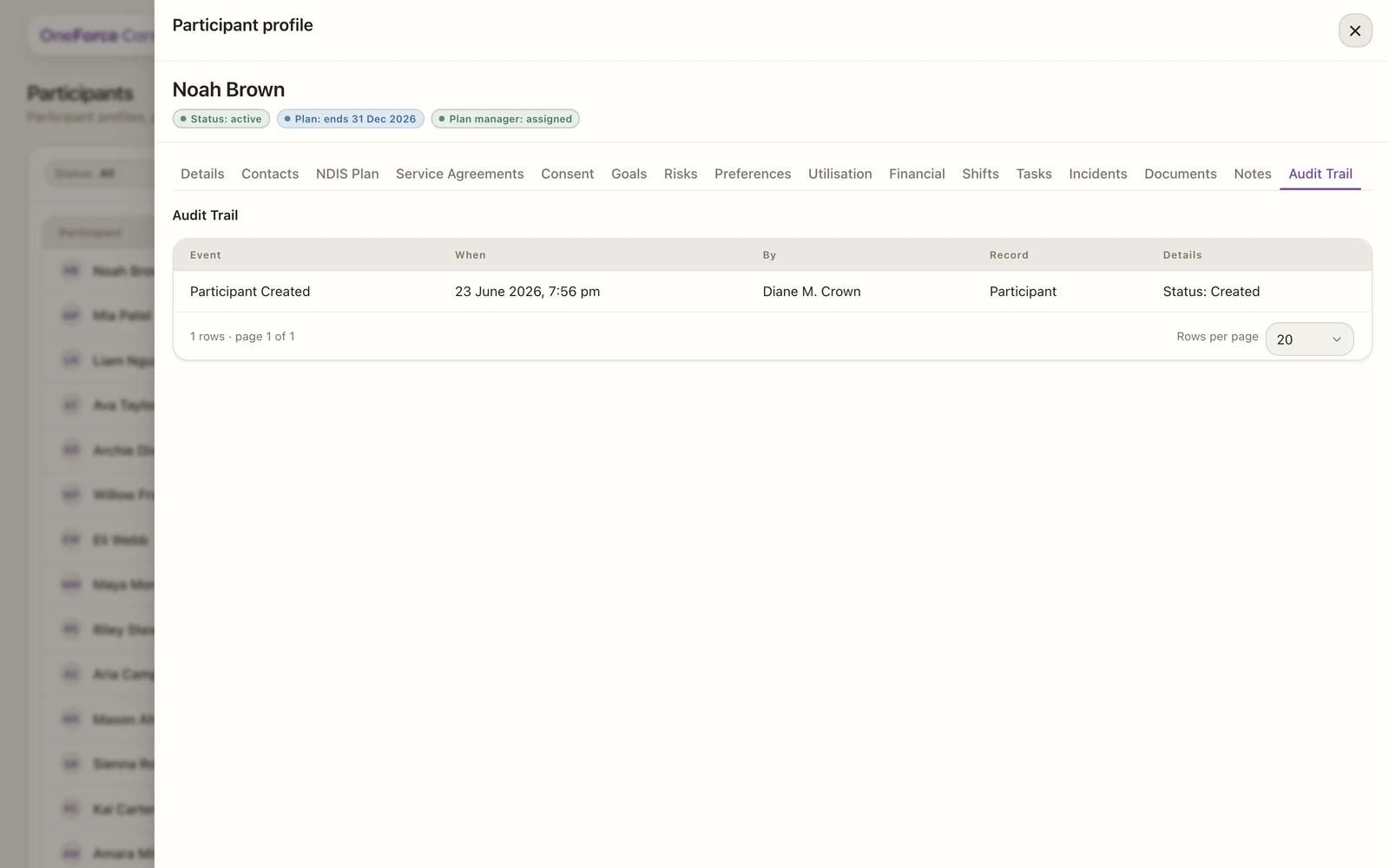
Entries are added automatically as the record is worked on, for example when the participant is created or updated, when a section is saved, and when a document is added, downloaded or deleted. The newest events appear first. Use the tab to see how a record reached its current state, or when reviewing a change.